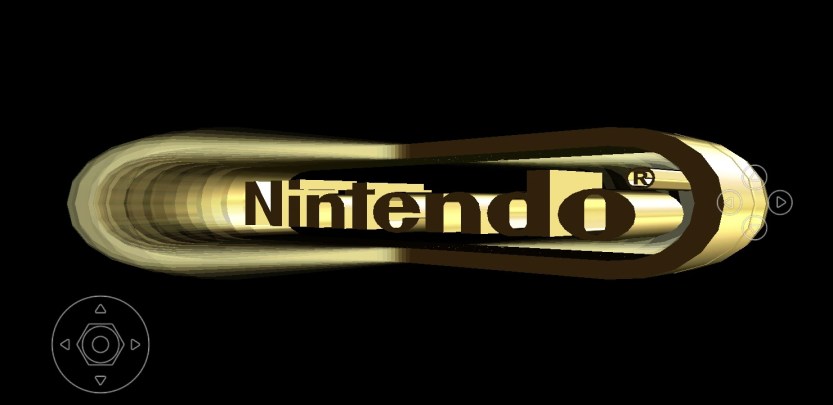
Let’s walk through how to get n64 games on your mobile device.
Installing an adblocker is recommended.
Step 1.
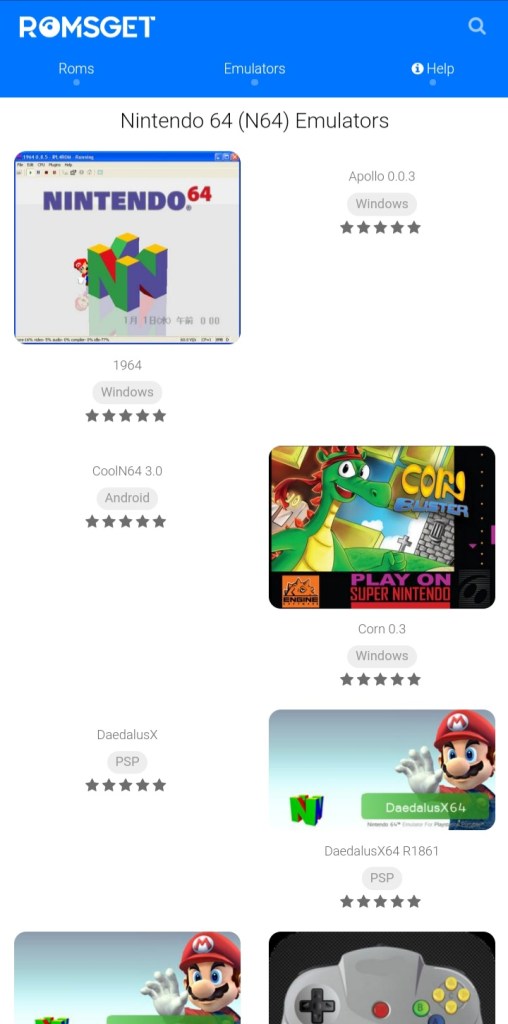
Type in ‘n64 emulators’ into your search bar, or click here.
You’ll want to pick an emulator compatible with your device.
For this demonstration, We’ll be using n64oid.
Your emulator will not include game roms. We’ll show you how to download them later in this article.
Step 2.
Once you have your emulator downloaded and installed, you’ll want to install some games. These will be like digital cartriges used to load games into your emulator.
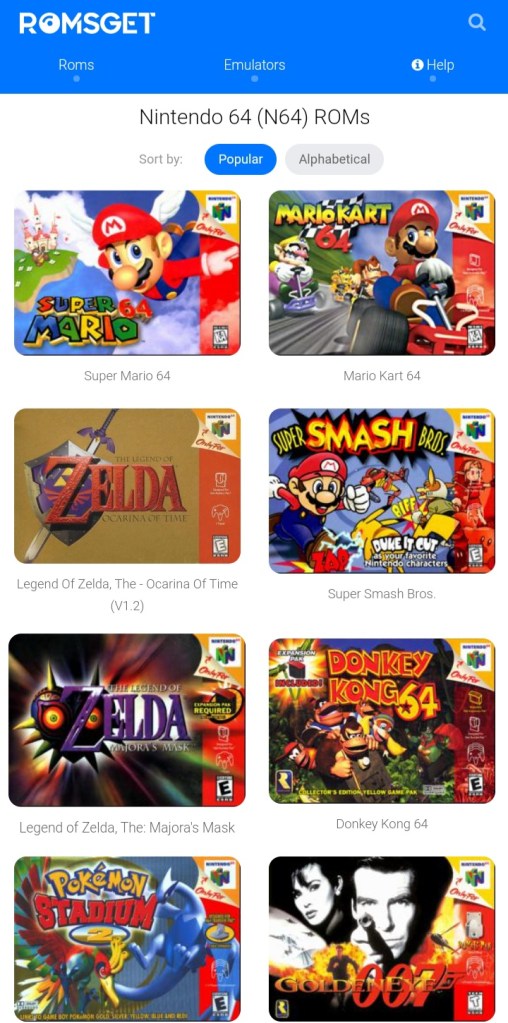
You can find a list of roms by typing ‘n64 game roms’ into your search bar or you can click here.
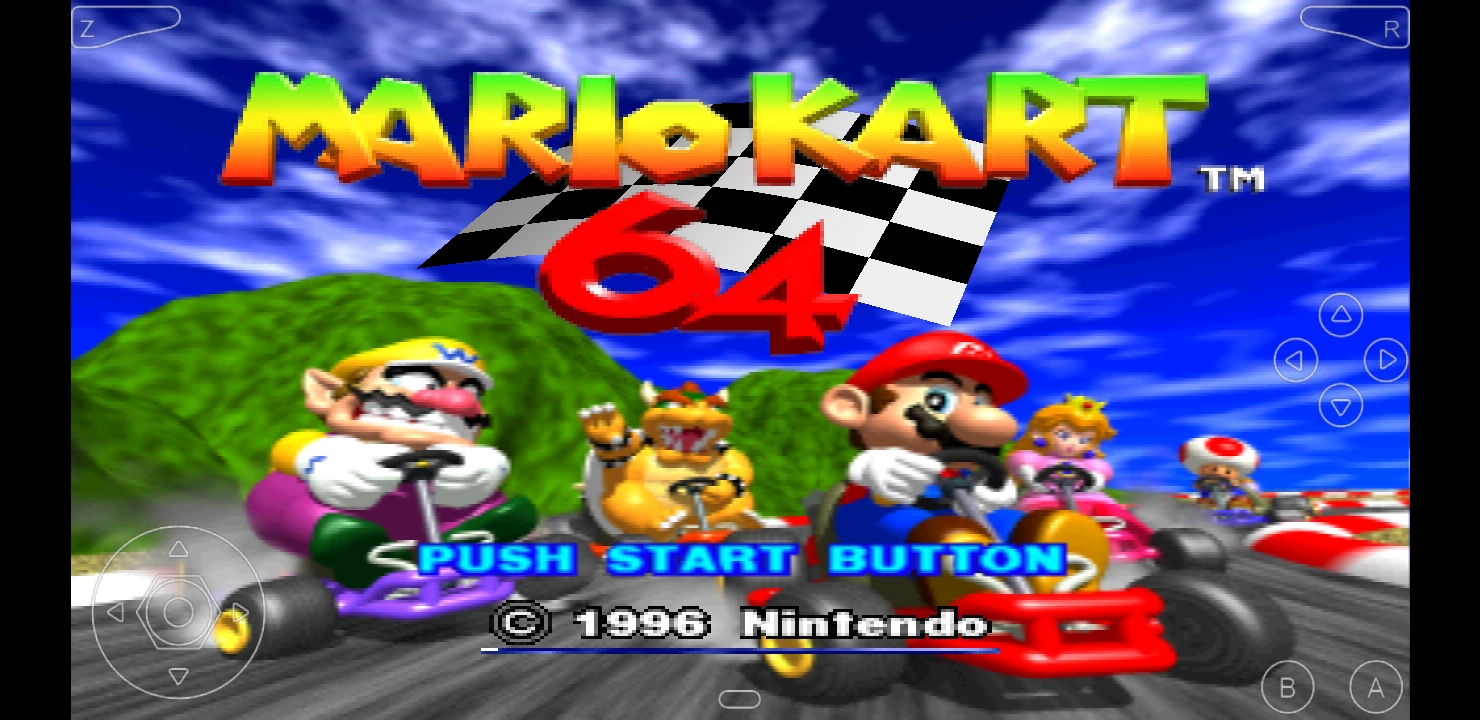
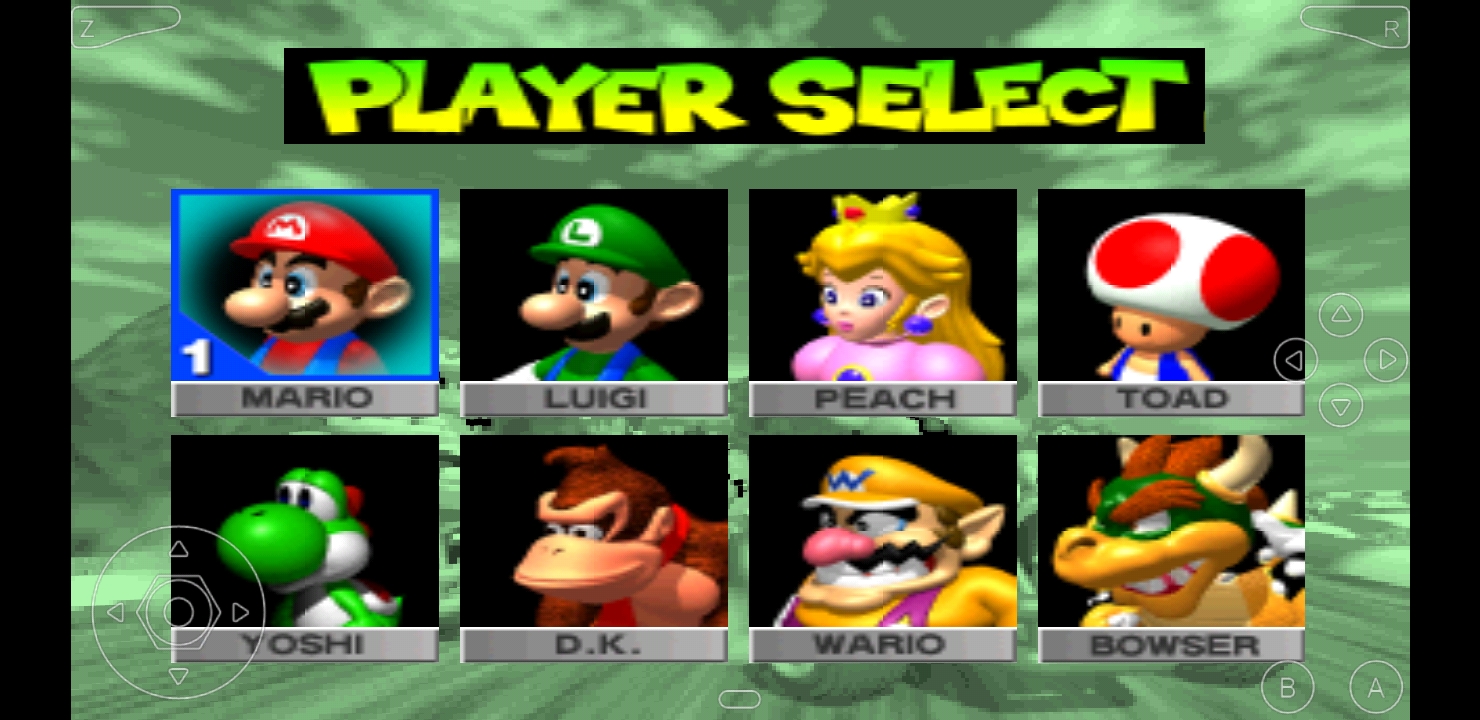
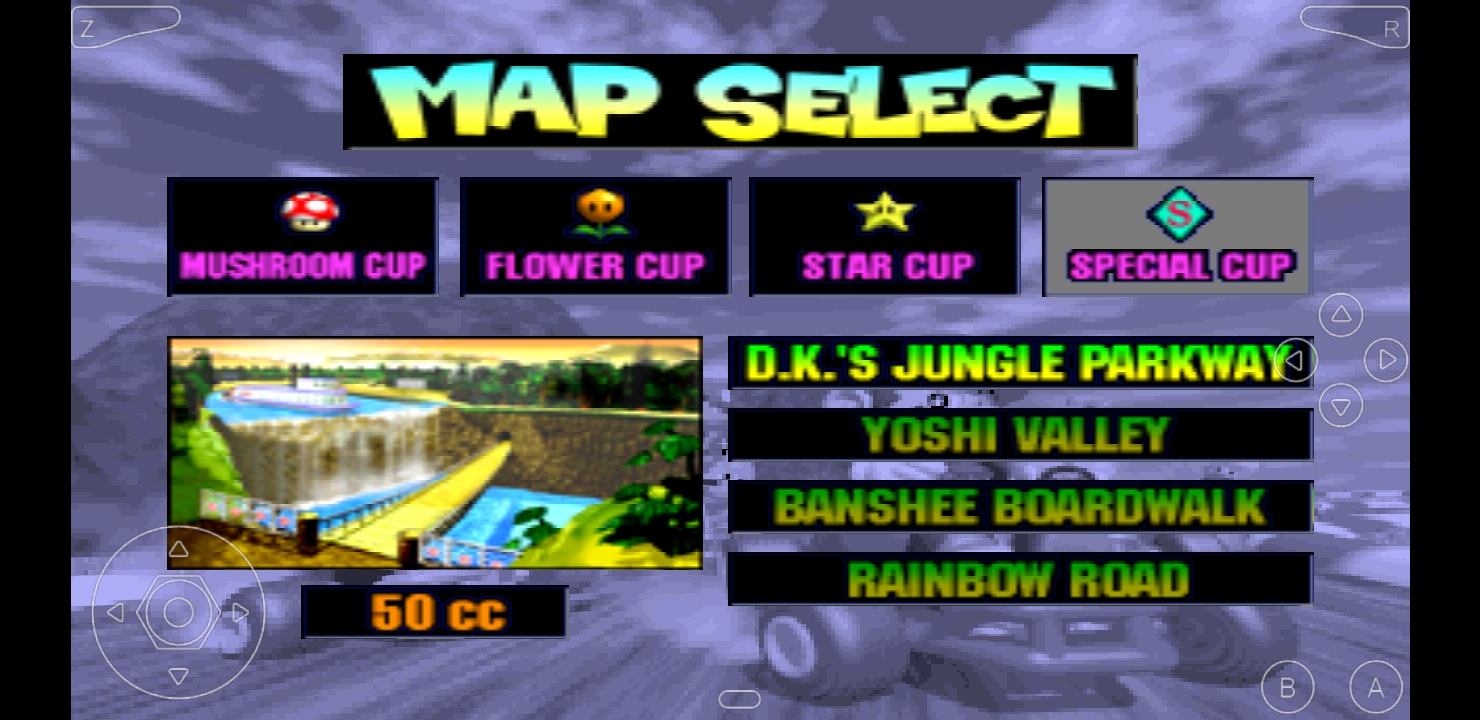
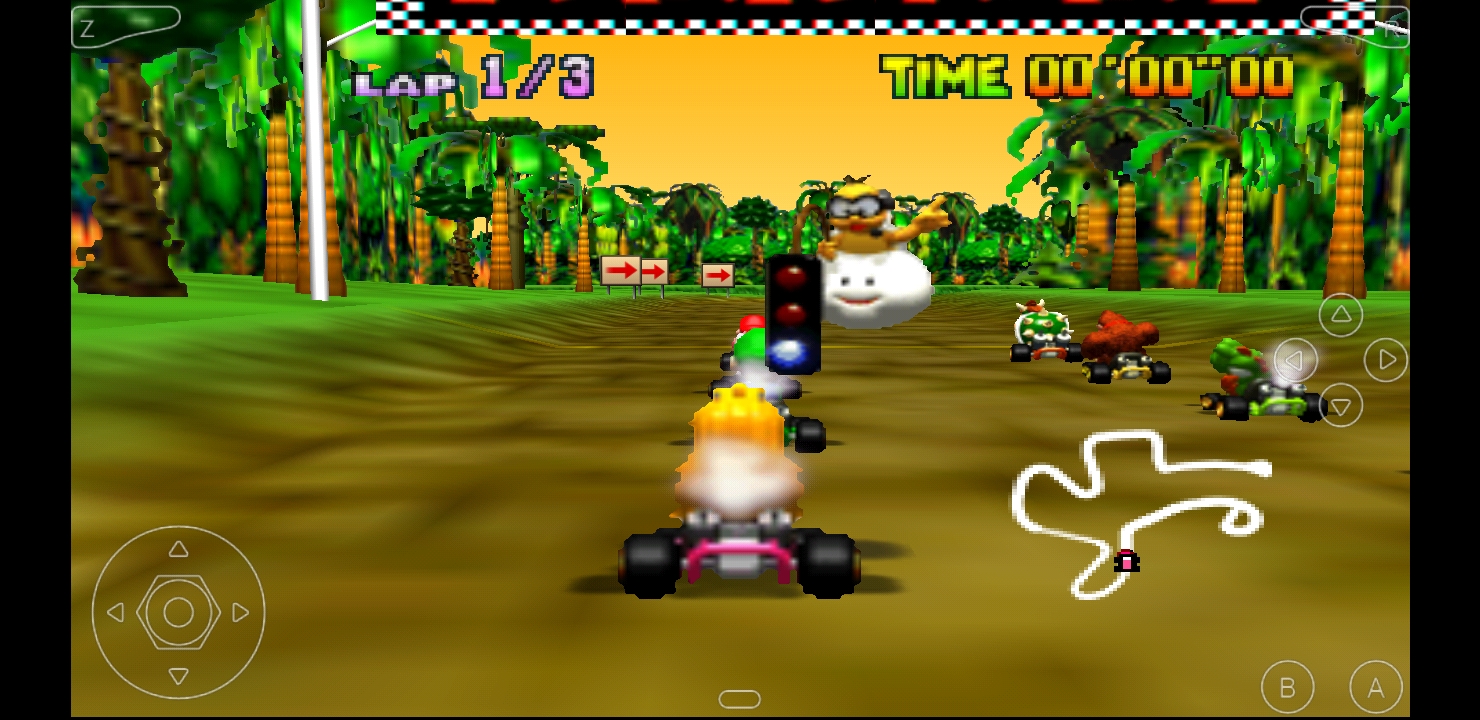
Today we’ll be trying checking out Mario Kart 64.
Step 3.
Once you have your emulator downloaded and installed, open your emulator and locate the directory where your games are installed and then select the game you’d like to play.
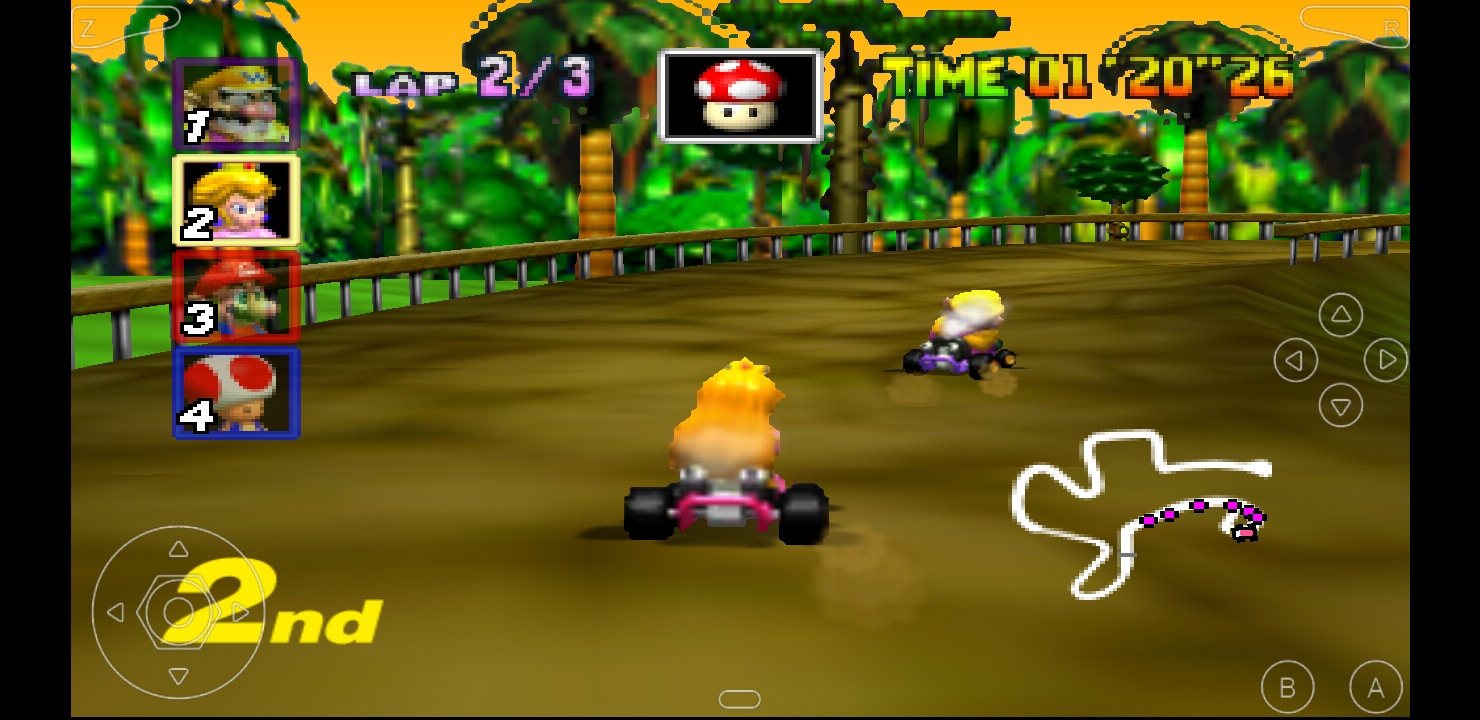
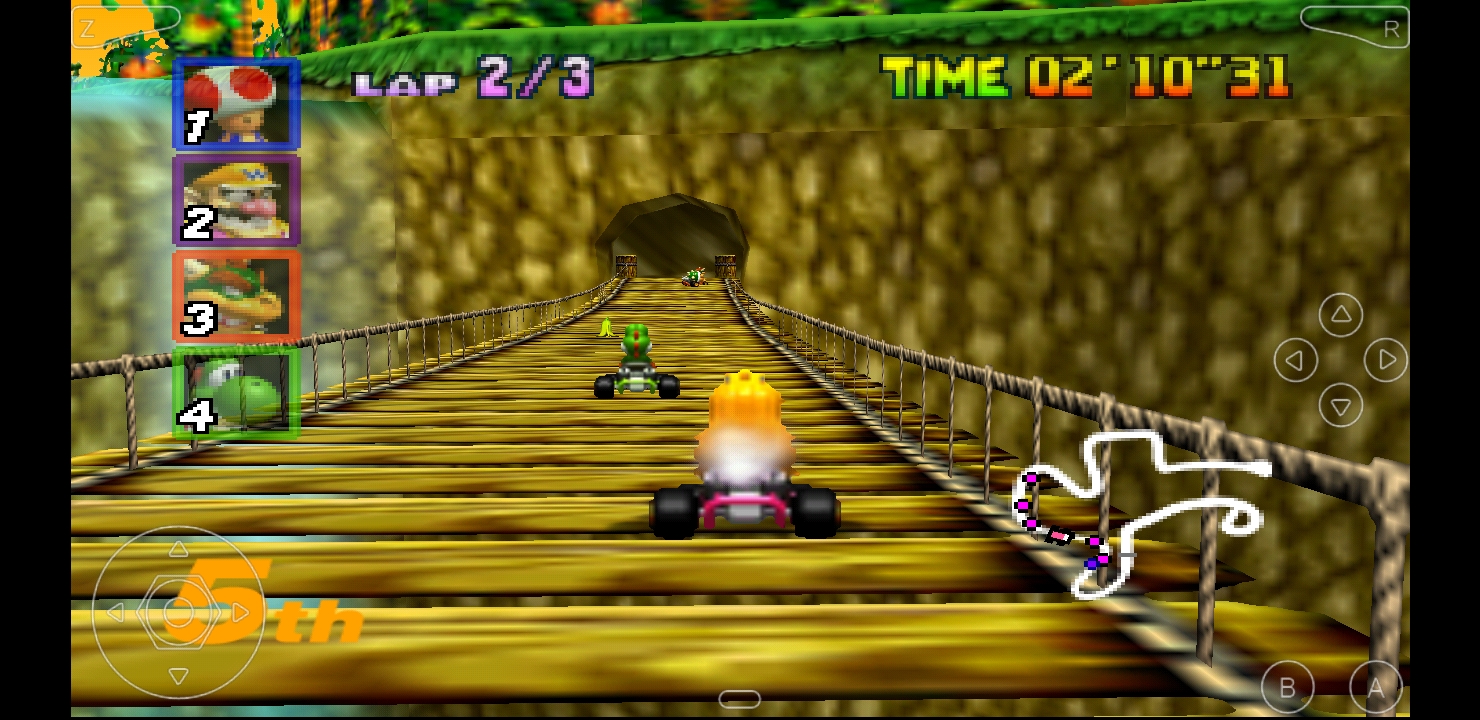
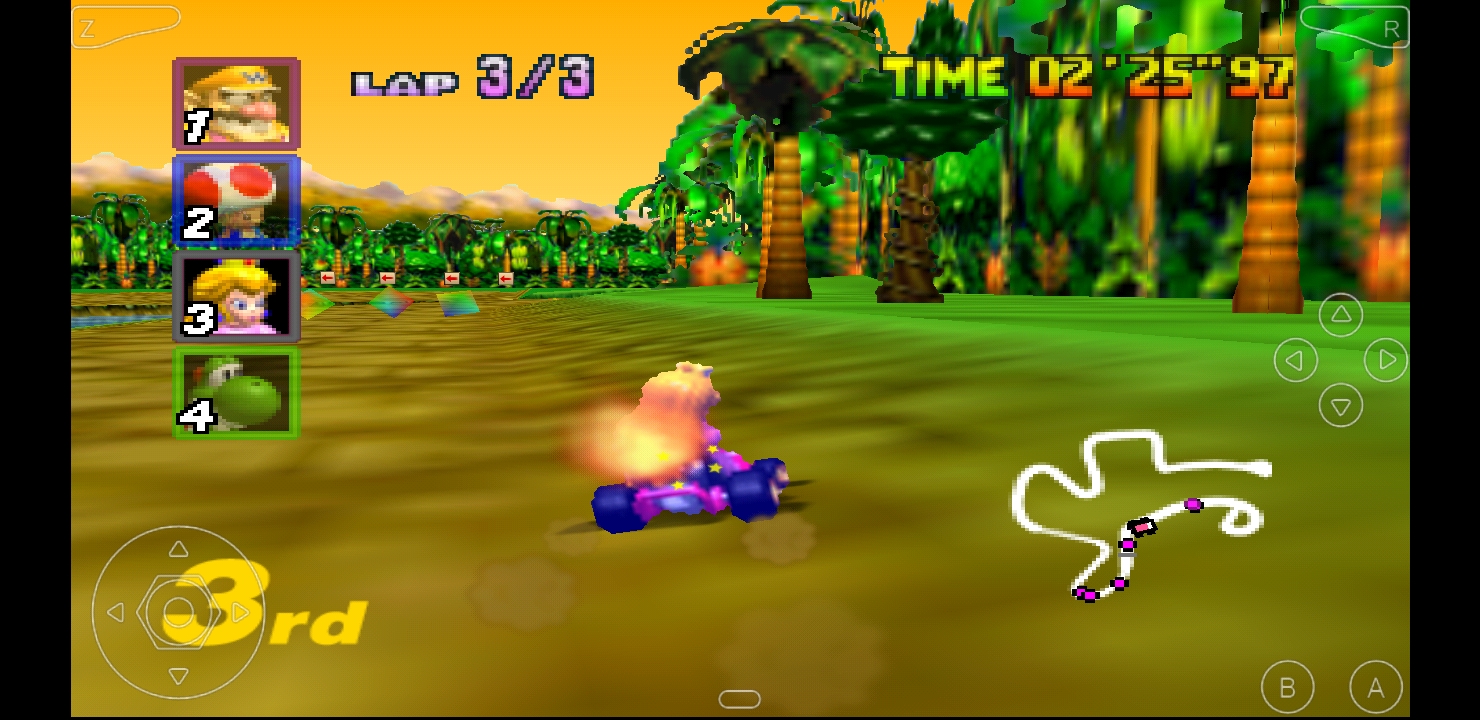
Final notes.
If you receive an error while trying to install a package, you may want to try another emulator.
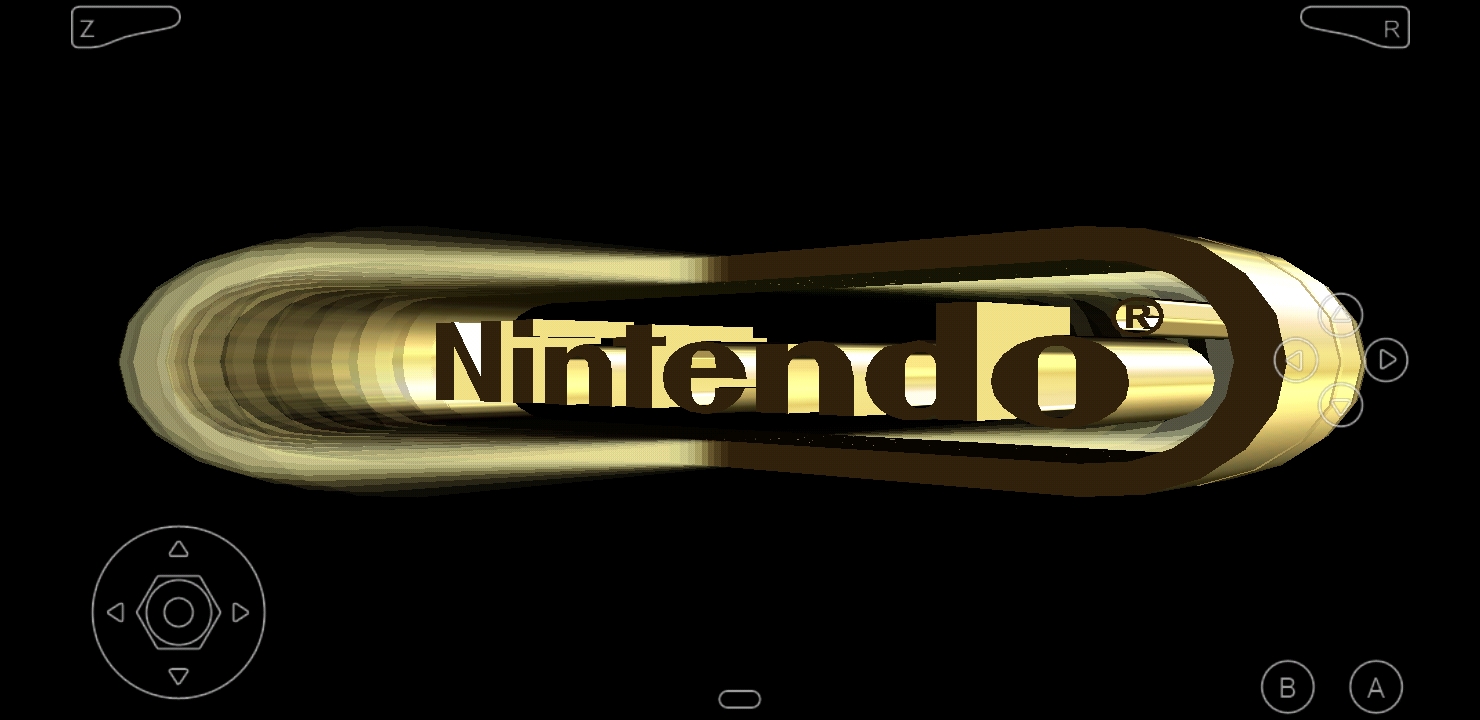
There should be a good selection of options within your emulator that you can tweak to your liking. Some games may be a little more difficult to play due to lack of physical controls available on most mobile phones.
 Juice
Juice 